

What are the PowerApps templates?
The templates are a collection of apps provided by Microsoft which can by turned on and used by your company quickly and easily. The collection of templates is ever-expanding, but once they connect to your data, they are ready to roll out. The templates available at the time of writing are:
- Asset Checkout (canvas app)
- Asset Checkout (model driven app)
- Book A Room
- Budget Tracker
- Company Pulse
- Contacts
- Cost Estimator
- Customer lookup with Customer Insights
- Customer Success
- Employee Engagement Survey
- Estimator Pro
- Fundraiser
- Health Plan selector
- Help Desk
- Innovation Challenge
- Interview Tool
- Inventory Management
- Leave Request
- Meeting Capture
- Modern Community
- My Expenses
- Onboarding Tasks
- Org Browser
- Out of Office
- PDF Reader
- Product Showcase
- Property Management
- Power Apps Training for Office
- Power Apps training
- QuickTask
- Service Desk
- Shout Outs
- Site Inspection
- Suggestion Box
- To Do List
Useful templates
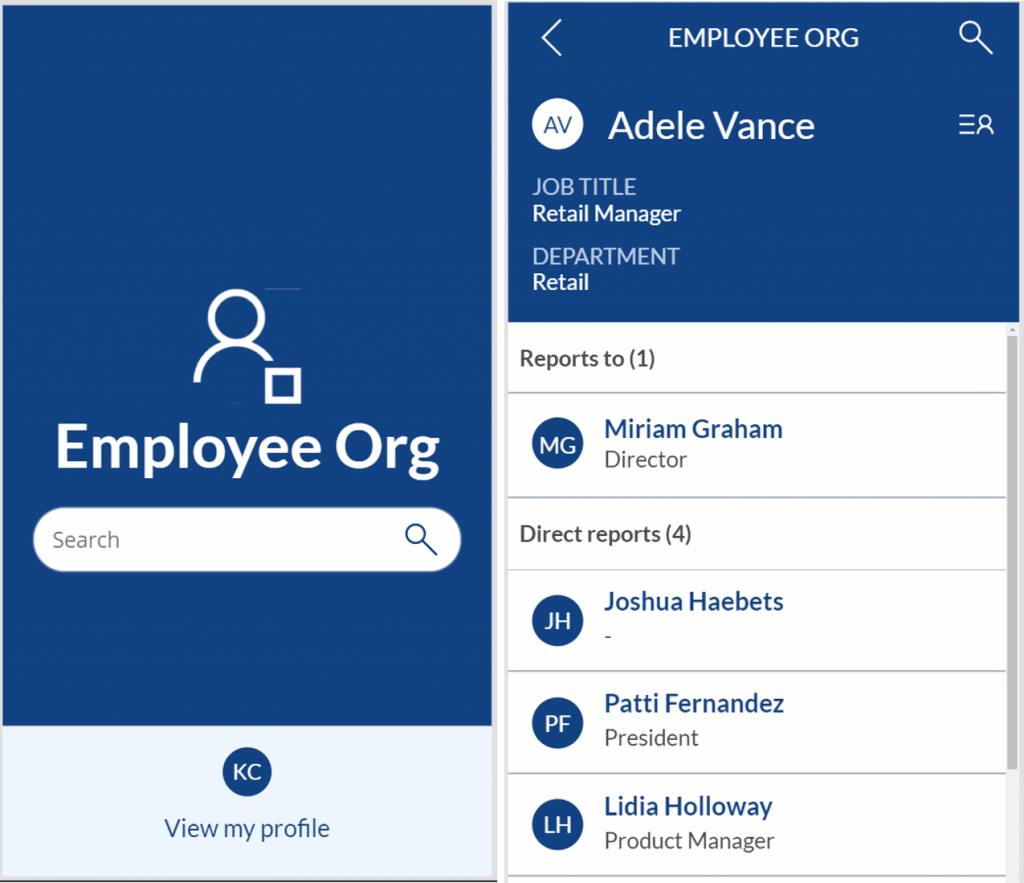
Org browse
Shoutouts

Return to the workplace
- Location Readiness dashboard helps determine the readiness of the facilities and efficiently manage their safe reopening. Facility managers and task force leaders can use the Location Readiness dashboard to quickly make informed decisions by using critical factors like COVID-19 infection rates and the availability of supplies.
- Facility Safety Management gives facility managers the tools they need to manage the reopening and readiness of the facilities. This helps organizations ensure that they can provide a safe working environment for employees to return to the workplace.
- Workplace Care Management gives health and safety leaders the tools they need to actively manage COVID-19 cases, identify hot spots for safety improvement, and import data from external systems to support case management and manual contact tracing. The Workplace Care Management dashboard enables monitoring of all the data from the Workplace Care Management app.
- Employee Return to the Workplace offers your workforce the self-service tool that they need to feel confident about returning and remain productive while onsite. They can use Employee Return to the Workplace app to check in remotely and self-screen before entering a building.
For more details, check out the Return to the Workplace sample app

How do I get started with Power App templates?
There are some great templates out there ready to use in your company, but you may not be familiar with PowerApps or looking for something of an introduction to the platform. The Microsoft Learning centre has a variety of training courses with exercises that you can participate in and work through which will work through each aspect of the Power Platform and the types of apps or Flows available to you. You can also download one of the two PowerApps training apps which are in the PowerApps templates:
- PowerApps Training will teach you the basics of building your own PowerApp and orientate you with the PowerApps studio as you work through the exercises (there are over 20, each taking a few minutes to complete). This app will teach you how to make other PowerApps with a hands-on approach.
- PowerApps Training for Office will teach you how to work with Microsoft Office 365 in PowerApps. It contains key building blocks and learning resources for creating custom apps with the power of Office 365 and Microsoft Graph.
Microsoft is constantly rolling out new solutions or templates using the PowerPlatform, so spend a little time, check them out and see which ones you can utilise in your company!